Windows · 8 min read · 2026-09-18
War Thunder Cheats on Windows 10 and 11
Windows 10/11 prep for War Thunder cheats — overlays, Defender exclusions, permissions and a clean first launch on the Steam or Gaijin client.
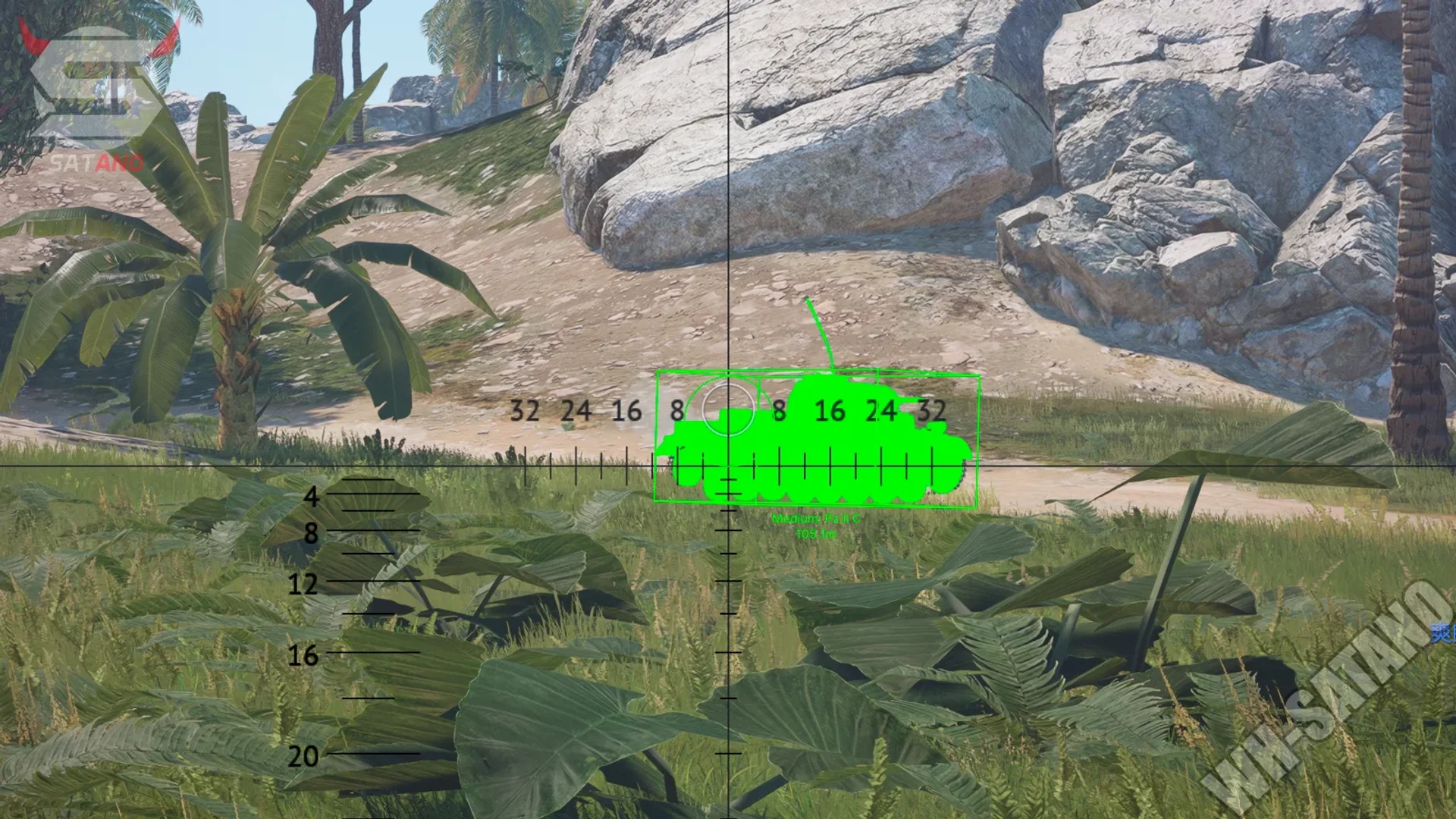
Supported systems
War Thunder Cheats targets Windows 10 and Windows 11 (including 23H2, 24H2 and 25H2 builds) on Intel or AMD processors with Nvidia or AMD graphics.
Both the Steam version and the standalone Gaijin launcher are supported. Console, Mac and Linux clients are not.
Overlays and background apps
Disable the Steam overlay, Discord overlay, NVIDIA and AMD overlays and aggressive RGB software before you load. They cause most "loader ran but the menu never appeared" reports.
Close screen recorders and browser hardware-acceleration hogs during the first load so you can tell a real failure from a resource problem.
Permissions and launcher
Run the delivered loader with the permissions in your order email and keep the files inside the excluded folder — moving them re-triggers antivirus.
Launch War Thunder only through Steam or the official Gaijin launcher. Unofficial or repacked clients are unsupported.
Ready for War Thunder Cheats?
Check the live load status, then buy player ESP, modules ESP, wallhack chams and silent aim for War Thunder on warthundercheats.xyz. Need help? Read War Thunder Cheats support or player reviews. Own the game via warthunder.com.