Map Finder · 8 min read · 2026-09-16
War Thunder Map Finder: Skip Maps You Hate
Use Map Finder to filter War Thunder maps during matchmaking, auto-restart the queue on blacklisted locations and only load into battles you want.
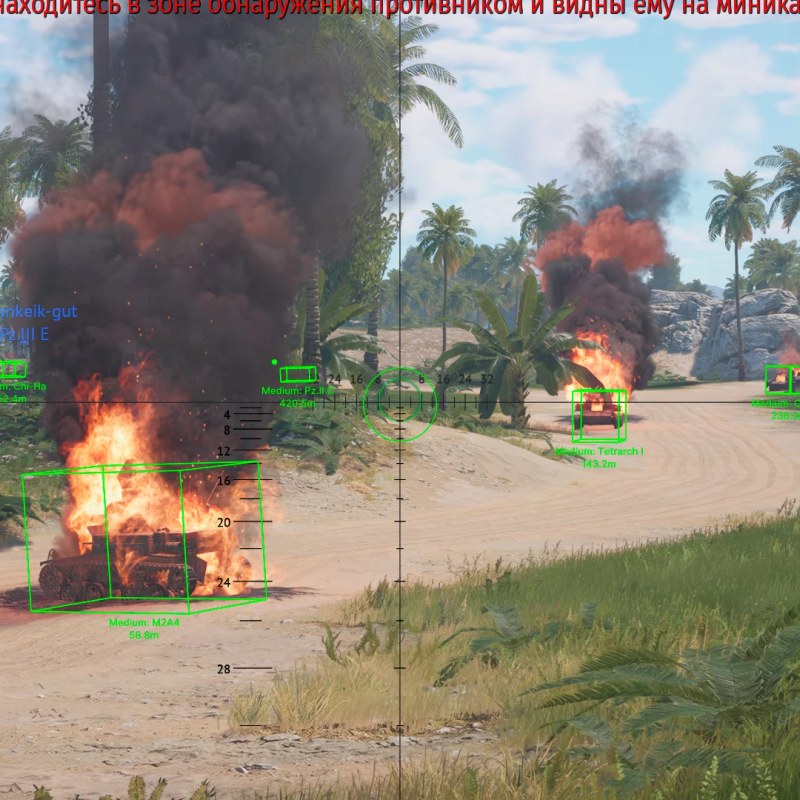
What Map Finder does
Map Finder analyses the map while matchmaking resolves and can cancel the queue before the battle loads, so a slow heavy tank never ends up in a close-quarters city brawl again.
It is the feature buyers underestimate and then refuse to play without. No aim assistance, just better games.
Filter modes
Only Selected Green — you queue exclusively into maps you marked as good. Strictest mode, longest queues.
All Without Red — everything is allowed except your blacklist. Faster queues and usually the better default.
Auto restart settings
Enable Map Finder Auto Restart so the queue cancels and re-searches automatically on a bad map.
Set a Restart Delay rather than an instant loop. Hammering matchmaking is both noisy and slower in practice.
Make The Window Active is worth enabling so the game focuses itself once an accepted battle starts and you do not spawn late.
Build a sane blacklist
Blacklist by lineup, not by taste. City maps hurt long-range lineups; open maps hurt short-barrel brawlers.
Keep the list small. Twenty blacklisted maps at top tier means queue times that cost you more than a bad map would.
Ready for War Thunder Cheats?
Check the live load status, then buy player ESP, modules ESP, wallhack chams and silent aim for War Thunder on warthundercheats.xyz. Need help? Read War Thunder Cheats support or player reviews. Own the game via warthunder.com.