Setup · 11 min read · 2026-09-18
Complete War Thunder Cheats Setup
Step-by-step War Thunder cheats setup: buy from $35, antivirus exclusions, load order for Steam or Gaijin, enable ESP and Aimbot, save configs, re-check status.
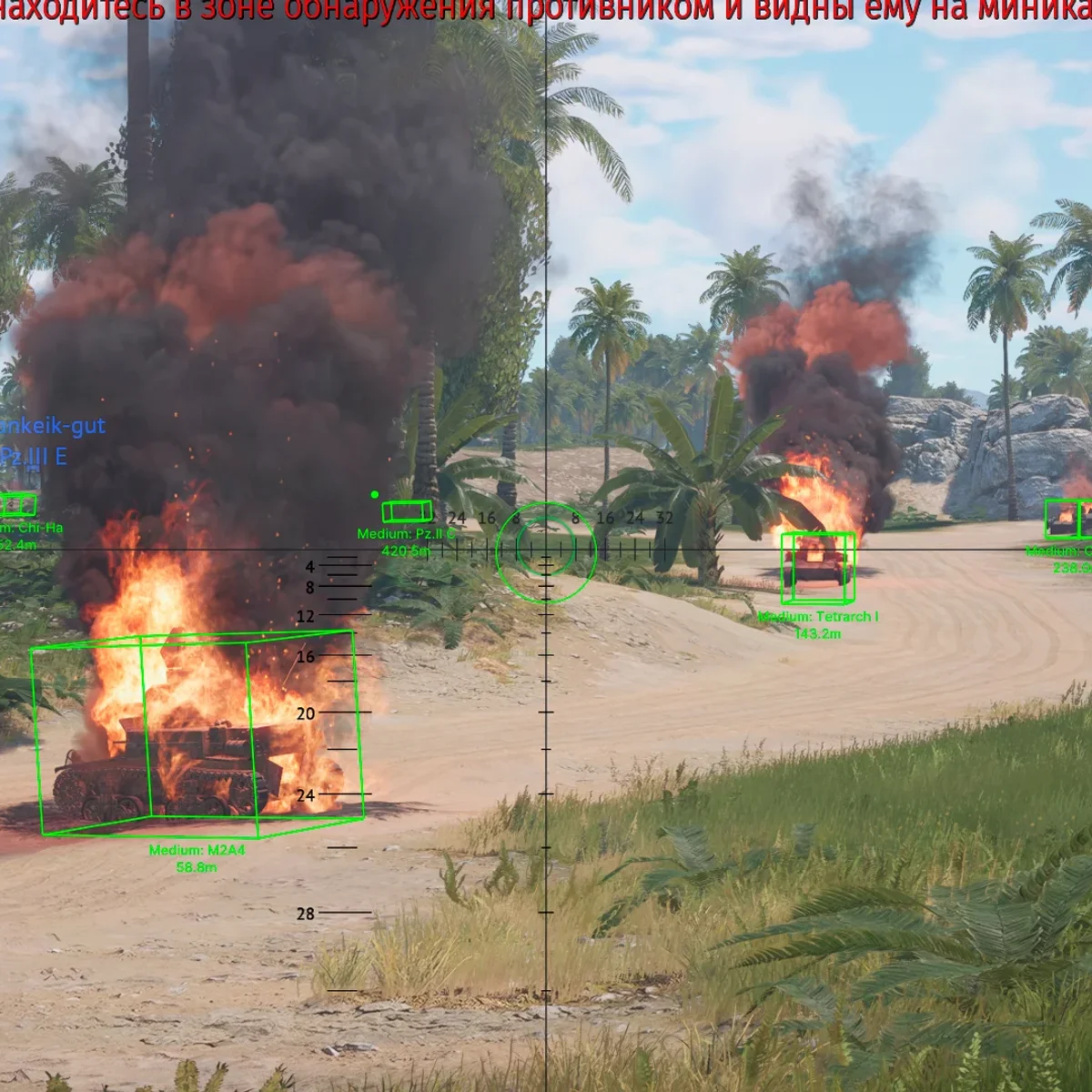
1) Buy and confirm status
Open warthundercheats.xyz. If status is Updating after a War Thunder patch, wait. If status is clear to load, checkout from $35 and use only the official delivery link.
2) Prep Windows
Close the Steam overlay, Discord overlay, GeForce overlay and RGB suites that hook the game process.
Follow the antivirus exclusion guide for the delivery folder before first launch, and reboot once if Defender quarantined anything.
3) Load order
Launch War Thunder from Steam or the Gaijin launcher and reach the hangar.
Run the War Thunder Cheats loader exactly as delivered, with the permissions listed in your order email.
Wait for a successful load, open the menu, enable player ESP and modules ESP first, then Aimbot and Autolead only if you want them.
4) Save configs and re-check patches
Save a ground config and an air config, then set up Map Finder before your first queue.
After any War Thunder or Gaijin update, check status again before you load. Run one test battle in arcade before a long top tier session.
Ready for War Thunder Cheats?
Check the live load status, then buy player ESP, modules ESP, wallhack chams and silent aim for War Thunder on warthundercheats.xyz. Need help? Read War Thunder Cheats support or player reviews. Own the game via warthunder.com.